 Haru Voice Notes
Haru Voice Notes
회의 녹음을 외부 AI 서비스에 보내기 망설여지나요?
Haru는 지원되는 기기와 언어에서 저장한 녹음을 기기 내에서 전사하고 요약합니다. 먼저 녹음을 남기고, 준비 상태를 확인한 뒤 내용을 다시 살펴보세요.
새 녹음 또는 오디오 가져오기로 시작하세요. 설정에서 전사·요약 준비 상태를 각각 확인하고, 보관함의 저장한 메모에서 원본을 듣고 내용을 비교할 수 있습니다.
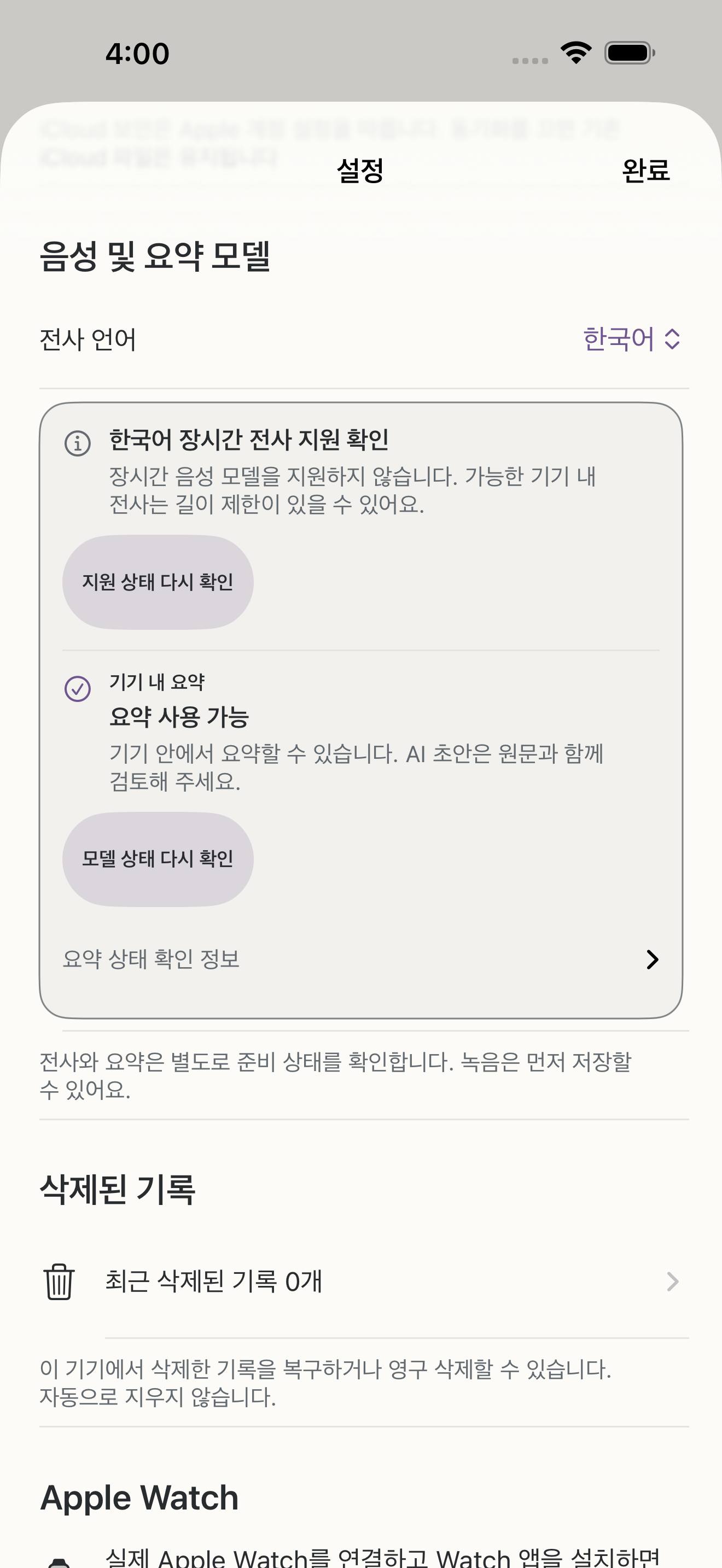
설정에서 전사와 요약의 준비 상태를 각각 확인하세요. 요약·제목에는 지원 기기·언어, 켜진 Apple Intelligence와 준비된 모델이 필요합니다. 음성 리소스 준비에는 인터넷이 필요할 수 있습니다.
Haru Voice Notes in English
Hesitant to send a meeting recording to an external AI service?
On supported devices and in supported languages, Haru transcribes and summarizes saved recordings on the device. Record first, check readiness, then revisit what was said.
Start with New recording or Import audio. Check speech and summary readiness separately in Settings, then open a saved note in the library to listen and compare.
English usage guide and actual app screen · English privacy information